Plain-text notes,
in tabs.
No database, no account, no lock-in. Just .txt files.
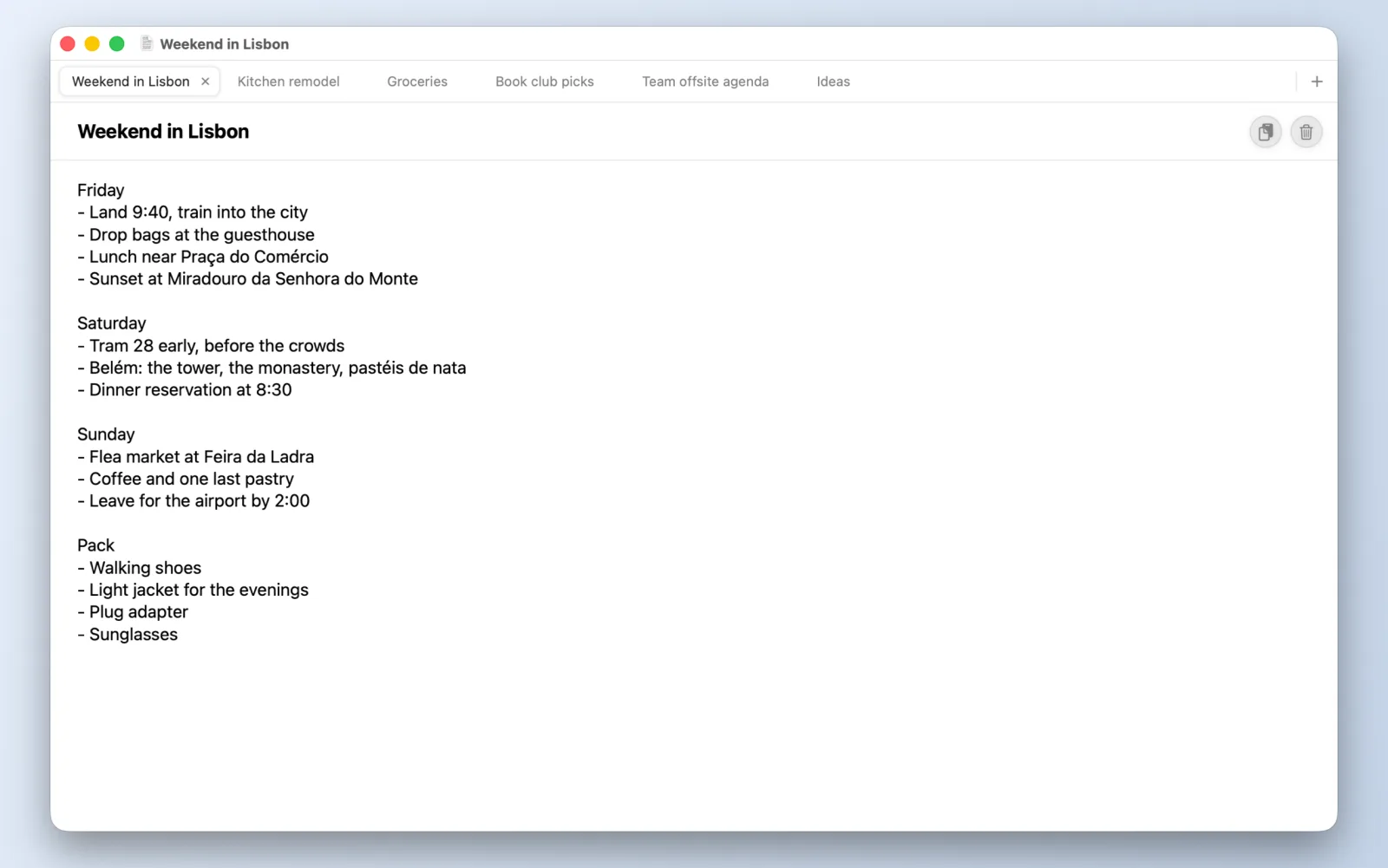
EZNotes keeps every note as a plain text file in a folder you choose, and opens each one as a tab.
Requires macOS 14 or later
Notes that stay
yours
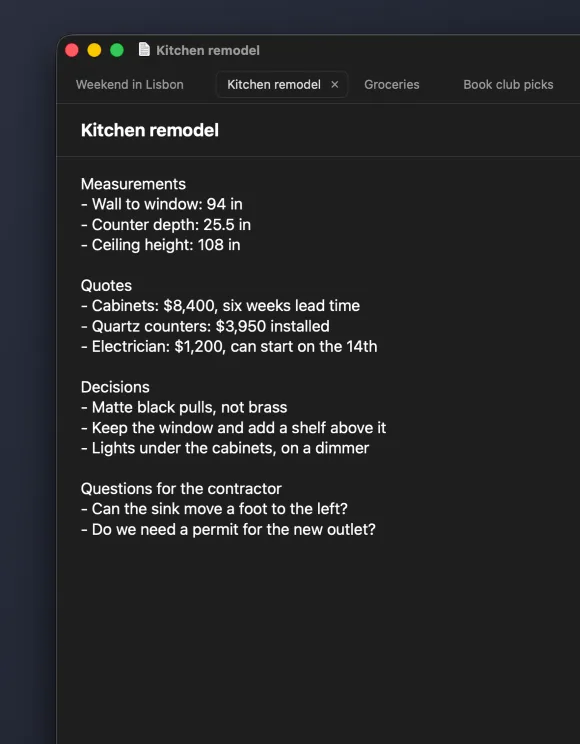
One tab per note
Every note is a .txt file named after its first line. Edit the title and the file follows.
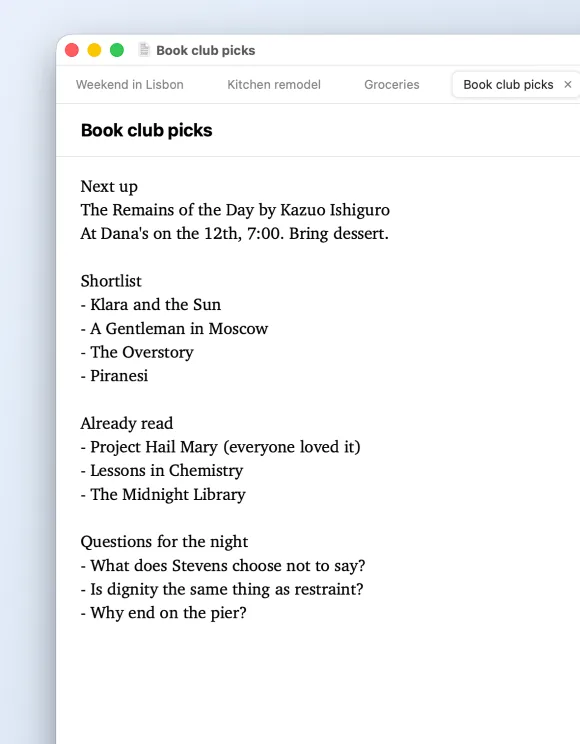
Plain text, forever
Open your notes in any editor, back them up, or find them with Spotlight. They save as you type.
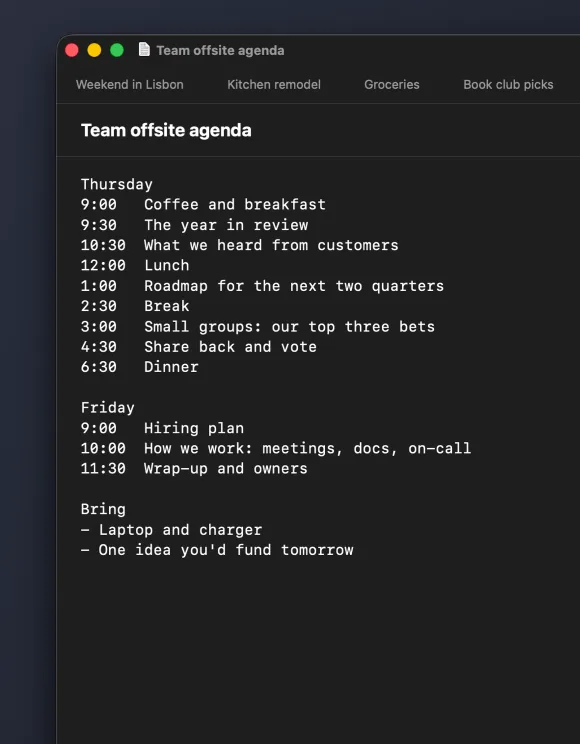
Light, dark, any font
Pick any font, size and line spacing. EZNotes follows your Mac's light or dark mode.
EZNotes never connects to the internet and doesn't collect any data. Your notes stay in the folder you picked.
Private by design
⌘N for a new note, ⌘W to tuck a tab away, ⇧⌘T to bring it back and ⇧⌘F to search every note.
Made for the keyboard
Frequently asked
questions
Where are my notes stored?
In a folder you choose, as plain .txt files. There's no database and nothing is stored in the cloud.
Can I edit my notes in other apps?
Yes. They're ordinary text files, so any editor can open them. Changes you make elsewhere show up when you switch back to EZNotes.
What happens when I close a tab?
⌘W hides the tab but keeps the file. Show Hidden brings it back, and ⇧⌘T reopens the last tab you hid.
Does EZNotes collect any data?
No. EZNotes never connects to the internet and doesn't collect any data. See the privacy policy.
Which Macs does it run on?
Any Mac with macOS 14 Sonoma or later.